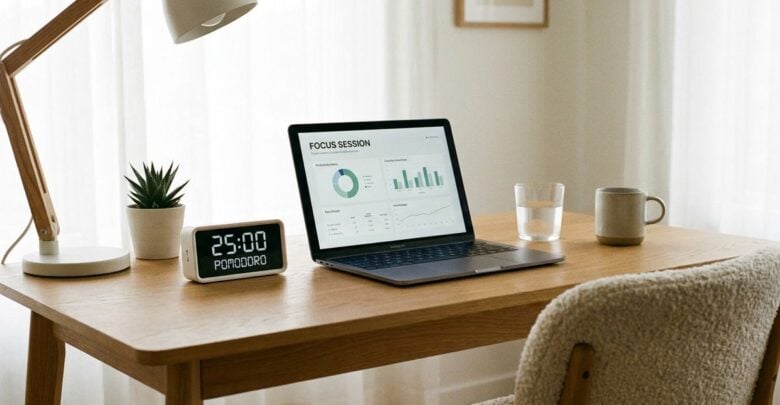
Office work often means long stretches at a desk, and small setup details can shape how a day feels by its end. Managers who want a healthier workplace do not need expensive furniture to make progress. A few clear habits, shared in plain language, can help staff stay comfortable and focused. The points below are general workplace guidance. They do not replace advice from a qualified health professional about any individual condition.
Set the Chair and Desk Height
Chairs should support the lower back and allow feet to rest flat on the floor or on a footrest. Desk height should let the forearms rest roughly level with the keyboard, so the shoulders can relax. Adjustable chairs and desks make these settings easier to reach, but even a basic chair can be adjusted carefully to suit the person sitting in it.
Encourage staff to test their setup at the start of the week. Simple reminders help people notice changes that happen gradually over time, such as a chair that has slipped lower than before. Readers may also want to visit Story Wheel.
Position the Screen and Keyboard
The top of the screen should sit near eye level, with the monitor placed directly in front of the user. A separate keyboard and mouse often help keep the wrists in a neutral position. Laptops benefit from a stand and an external keyboard when they are used for long sessions, since a tilted screen tends to pull the head and neck forward.
Some teams use short quizzes or floor walkthroughs to check positions. Staff who feel unsure can ask a trained colleague for help without embarrassment. You can also visit Kora Platform for more reading.
Schedule Movement Into the Day
Movement breaks reduce the time spent in one position. A short walk to fetch water, a few minutes at a standing spot or a brief stretch between calls can all help. Build these habits into the rhythm of meetings rather than leaving them to chance, since a break that is planned is far more likely to happen.
A shared calendar reminder or a simple team tradition can keep breaks on track. For a related read on this site, see Splitting Party Booking Duties Among a Small Game.
Handle Lighting, Noise and Breaks
Glare on the screen tires the eyes and encourages awkward posture as people lean in to read. Position lamps to light the work surface without reflecting into the display. Noise from neighbors or equipment can also cause tension, so quiet zones or headphones may help staff concentrate during busy periods.
Make lunch breaks real. Staff who eat at their desks are less likely to step away and reset their attention. Encouraging a true pause supports both comfort and concentration, and it signals that the organization values rest as part of good work rather than a distraction from it.
Check In and Adjust
Ask staff about their setup every few months. Feedback forms or quick chats reveal whether a chair still fits a worker or whether a monitor arm would help someone who shares a desk. Small upgrades, such as a footrest or a document holder, often make a noticeable difference without a large purchase.
Keep a record of changes so new team members can inherit a helpful setup. A consistent approach makes the workplace feel supportive and thoughtful, and it reduces the number of ad hoc requests that land on the office manager during busy weeks.
Monitor placement deserves a second look as well. A monitor that sits far to one side forces a twist in the neck during the entire workday. Center the display on the main keyboard position, and use a second screen only if it can sit at a similar height and distance. Shared desks may need a quick reset when staff change, since each person may have a different preference for the same equipment.
Storage affects comfort too. Keep frequently used items within easy reach so staff do not stretch across the desk repeatedly. A simple shelf or drawer organizer can keep cables tidy and clear space for the forearms. Encourage staff to report problems early. A chair that wobbles, a keyboard tray that slides or a lamp that flickers may seem minor, yet each can change posture in small ways over many hours.
Desk habits spread quickly when managers model them openly. A leader who stands for a short call or stretches between tasks gives others permission to do the same. Small signals like these can change the feel of an entire floor. Healthy desk habits grow from attention and small adjustments. Set the chair and desk with care, position the screen and keyboard sensibly, build movement into the day, manage light and noise and check in regularly. Managers who treat these details as ordinary workplace care give their teams a steadier base for long days of focused work.